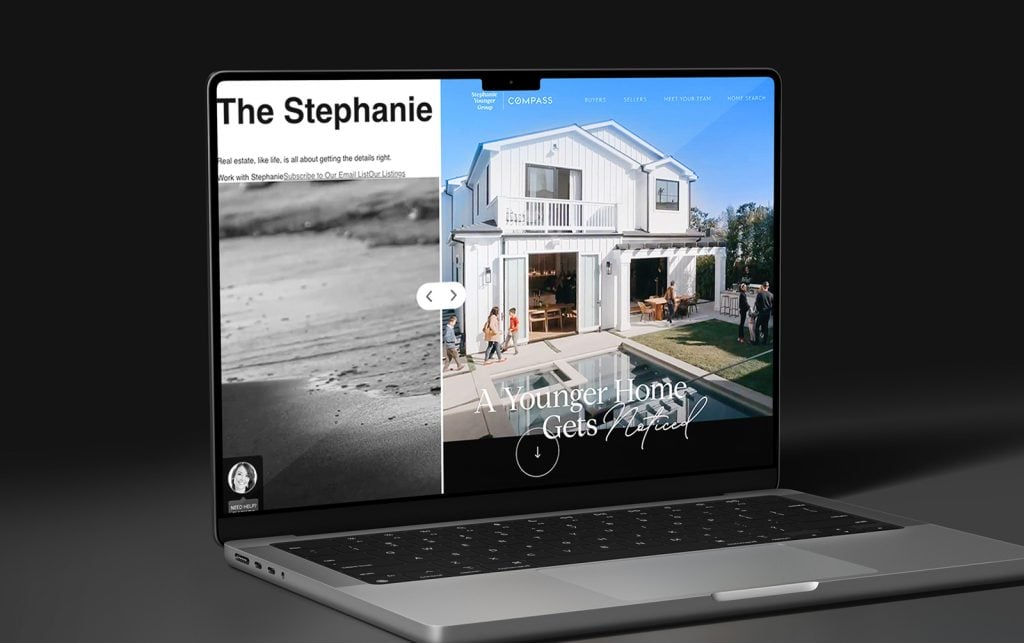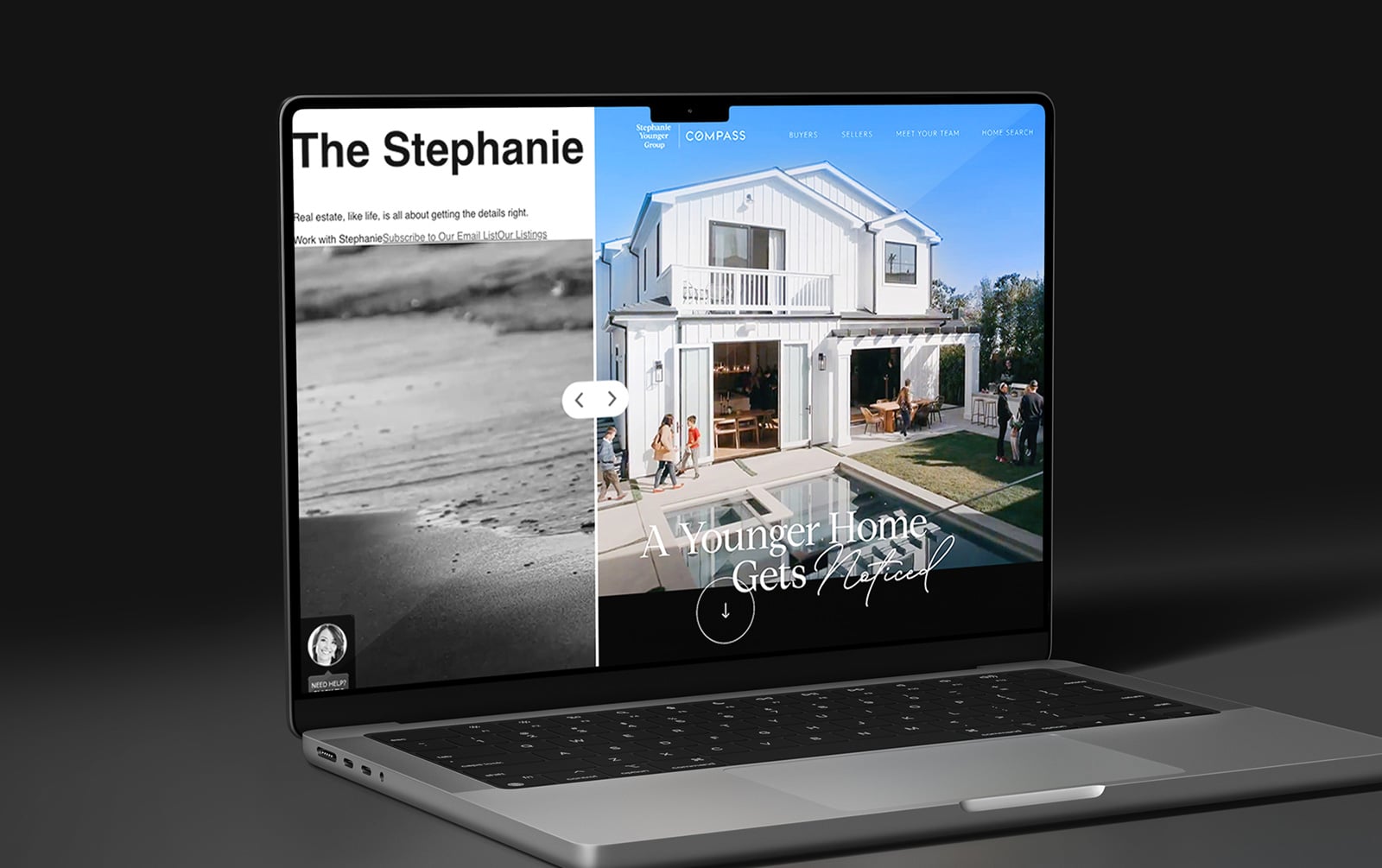
How to Modernize an Outdated Real Estate Website
Real estate websites age faster than many agents realize.
A site that looked polished three years ago can feel noticeably outdated today, even if nothing is technically broken. Design trends change, mobile expectations evolve, and consumers have become less patient with slow-loading pages and clunky navigation.
Before investing in a redesign, it helps to understand what is actually hurting performance. Some issues can be resolved in an afternoon, but others point to larger structural problems.
This audit checklist will help identify both and provide a clear framework for deciding what to address first. Read on!
Table of Contents
How to Tell If Your Real Estate Website is Outdated
An outdated website doesn't always announce itself with obvious design flaws. More often, the signs appear in small ways that affect the overall experience.
Visual design is usually the first indicator. Certain things can make a website feel older than it is, including:
-
Crowded layouts
-
Dated or clashing color palettes
-
Generic photography
-
Excessive animations
-
Generic photography
-
Lack of visual hierarchy
Technical performance deserves equal attention, of course. Pages that take more than a few seconds to load create friction from the very beginning and makes visitors more likely to go to a different website. Mobile usability has become especially crucial— 76% of buyers start searching for a home on their phones, not their laptops, according to the NAR’s Realtor Technology Survey.
That said, content often reveals the age of a website more clearly than design. Market reports from several years ago, biographies that haven't been updated, abandoned blog sections, and broken links suggest that the site is no longer being actively maintained. Even when the information itself is harmless, it can leave visitors questioning how current everything else might be.

The Audit Checklist: What to Review Before You Change Anything
Website redesign projects often begin with discussions about layouts, fonts, and colors. A more useful starting point is understanding how the current site performs.
Run a mobile test
You don’t need to be a tech guru to see if something’s off! Open your website on your phone and navigate it as if you were a first-time visitor. If basic navigation feels frustrating, then you might want to talk to your website provider.
What to look out for: Property search, menus, forms, or calls-to-action that are difficult to navigate.
Check your page speed
Something worth knowing: Google PageSpeed Insights provides a quick snapshot of performance. Scores below 50 on mobile are generally worth investigating. Large image files, outdated plugins, and hosting limitations are common contributors to slow load times on real estate websites.
Review your IDX search experience
Property search is often the most important feature on the site. Visitors should be able to find it immediately and narrow results without confusion. Search filters, neighborhood options, and listing updates should work smoothly from start to finish.
Audit your lead capture opportunities
Count the number of places where visitors can contact you, schedule a consultation, or request information. Many real estate websites make the mistake of relying almost entirely on a contact page tucked away in the navigation. Strong lead generation usually comes from multiple opportunities placed throughout the site.
Review your bio and homepage copy
Read both sections carefully. Credentials, production numbers, awards, and market expertise should be current. Just as important, the content should communicate who you are and how you help clients. Generic marketing language rarely builds trust.
What to Fix First: Prioritizing Your Upgrades
A website audit can uncover a surprising number of issues. The temptation is to tackle everything at once, but not every improvement carries the same weight. Start with the areas that have the greatest influence on how visitors perceive your business and whether they decide to reach out.
Priority #1: Trust and Credibility
Before visitors search for properties or fill out a contact form, they're forming an impression of your business.
Outdated headshots, old market statistics, inactive social media links, and biographies that no longer reflect your current experience can make a website feel neglected. These details may seem minor, but they influence whether a visitor sees you as active, knowledgeable, and engaged in your market.
For many agents, this is the easiest place to start because content updates often deliver immediate improvements without requiring a redesign.

Richard Steinberg Group’s website exemplifies modern design principles.
Priority #2: User Experience
A website should make it easy for visitors to accomplish what they came to do.
Property search should be easy to find. Navigation should feel intuitive. Pages should load quickly and display properly on mobile devices. When visitors encounter friction, they rarely spend time figuring out what went wrong—they simply leave.
If your audit reveals recurring usability issues, addressing those concerns will typically have a greater impact than cosmetic design changes.
Priority #3: Lead Generation
Many real estate websites attract traffic but create very few opportunities for visitors to take action.
Contact forms, consultation requests, home valuation tools, and property alerts should be visible throughout the site. When calls-to-action are difficult to find, potential leads often leave without making contact, even if they're interested in working with you.
A website doesn't need aggressive pop-ups or constant prompts. It simply needs clear pathways for visitors who are ready to take the next step.
Priority #4: Long-Term Enhancements
Once the fundamentals are in place, additional features can strengthen your online presence and support future growth.
Neighborhood guides, community pages, virtual tours, live chat, and expanded content libraries can all enhance the visitor experience. These investments tend to perform best when they're built on a foundation that is already fast, user-friendly, and designed to convert.

The difference between a modern website and an outdated one often comes down to the small details users notice first.
What a Modernized Real Estate Website Actually Looks Like
While every website is different, the strongest examples of modern realtor website design tend to have a few things in common:
-
Fast-loading pages
-
A seamless experience across desktop, tablet, and mobile devices
-
Easy-to-use property search with current listing data
-
Clear contact options and calls-to-action
-
Professional photography and up-to-date branding
-
Simple, organized navigation
-
Content that reflects current market expertise and local knowledge
Taken together, these elements create a website that feels current, professional, and easy to use. Visitors can find information quickly, browse listings without frustration, and connect with the agent when they're ready.
For examples of how these improvements come together, explore our before-and-after website transformations.
Make Every Visit Count — No Exceptions
An accessible site means more people can engage with your business.
Frequently Asked Questions
Ask yourself: is the problem the content or the structure? Outdated bios and stale stats can be fixed without touching the design. But if the site isn't mobile-friendly or loads like it's running on dial-up, that's a deeper issue a content refresh won't solve.
Every two to three years is a reasonable benchmark. That said, smaller things, such as your headshot, market stats, or testimonials, should be updated much more often.
For most agents, it's the IDX search experience. A fast, intuitive property search keeps visitors on your site longer and gives them a reason to come back. If your current search is clunky or buried, fixing that one thing will do more than any visual refresh.
Yes, in a few concrete ways. Slow page speed is a direct Google ranking factor. A site that isn't mobile-friendly gets penalized in mobile search results. And if your local SEO signals are inconsistent or missing, you're less likely to show up when buyers and sellers search for agents in your area.
Sometimes. Content updates, image compression, and better CTAs don't require a full rebuild. But mobile responsiveness and page speed issues often do — it depends on how the original site was built. The audit checklist earlier in this post will help you figure out which camp you're in.
Ready to Modernize Your Website?
If your website is showing signs of age, Agent Image can help. From targeted upgrades to fully custom redesigns, our team builds real estate websites designed to attract, engage, and convert.